Collection of Links and References for Learning Swift Programming Language
Explore a curated collection of links and references, simplifying your journey to master the Swift Programming Language and SwiftUI.

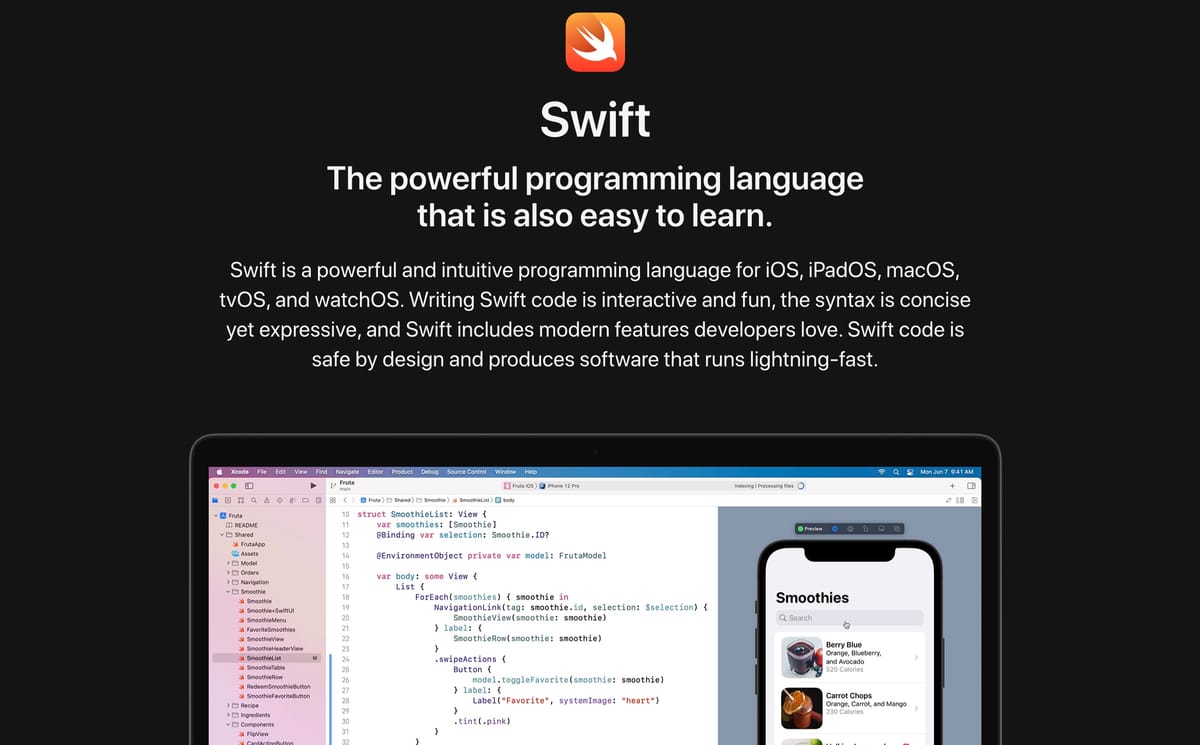
Getting Started with Swift
Every beginner diving into the world of Swift Programming Language likely experiences a similar sensation — entering a dense forest without a clear direction or a map to guide them. This confusion doesn't stem from a lack of resources; ironically, it comes from the sheer, overwhelming abundance of tutorials, documentation, and videos available today.
When faced with too many choices, it's easy to suffer from "analysis paralysis," leading to confusion about where to actually start writing your first line of code. Therefore, I aim to share my personal experiences and curated tips on choosing the most accessible, high-quality references to ease your journey into mastering the Swift programming language and the SwiftUI framework.
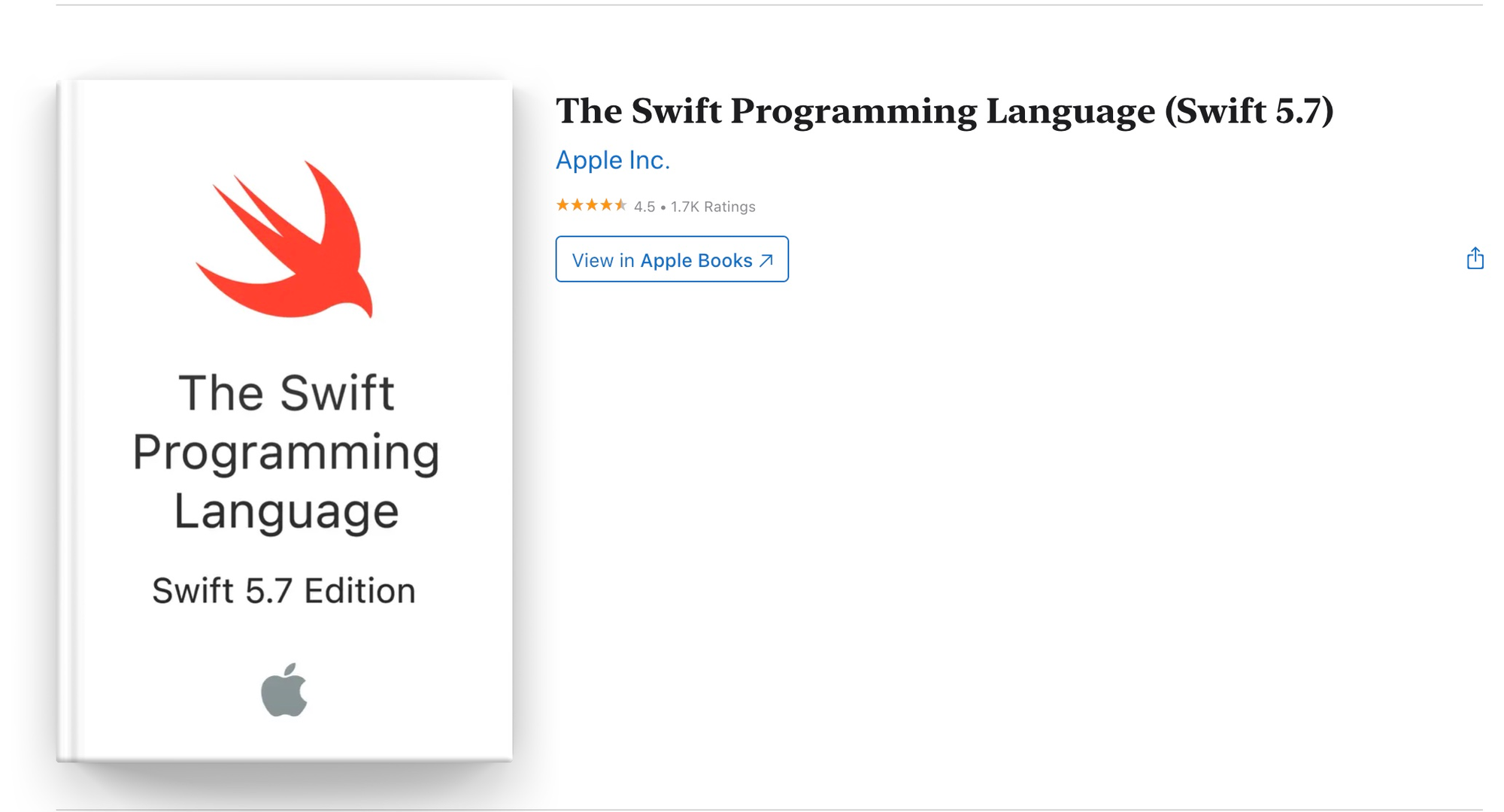
Apple Book - Swift Programming Language
This book serves as Apple's official, definitive guide for learning the Swift Programming Language. If you want to understand the language directly from its creators, this is the place to be. It covers everything from absolute basics — like declaring variables and constants — to the most complex aspects involving generics, concurrency, and memory management.
Don't worry about the cost; the book is entirely free and continuously updated by Apple with every major iOS and Xcode release. It's an ideal starting point to grasp the structural theory of the language. I highly recommend skimming through the chapters on data types, control flows (loops and branching), and optional types before diving heavily into building visual apps.
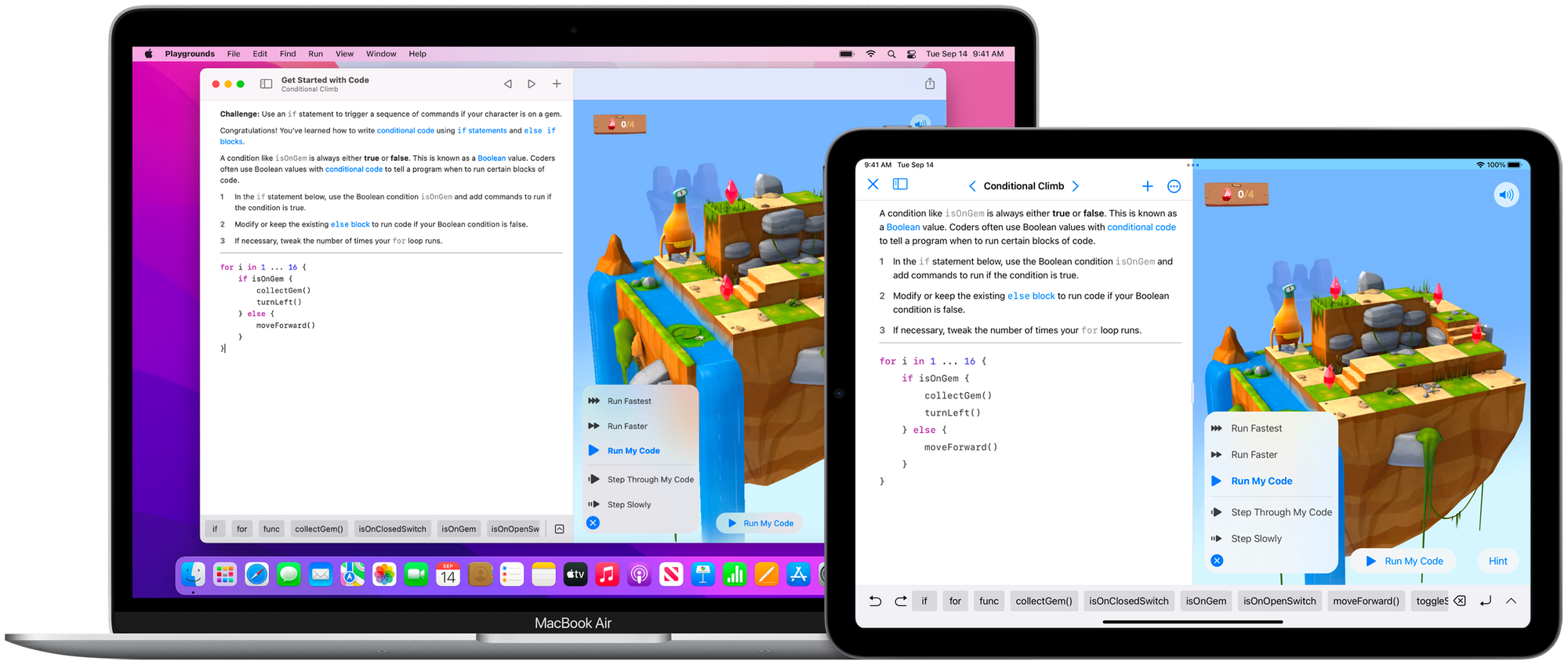
Swift Playgrounds
This is an incredible application built by Apple (currently available for macOS and iPadOS) meticulously designed for learning and experimenting with Swift code in a highly interactive, visual, and enjoyable way.
In Swift Playgrounds, you solve puzzles to master the basics using real Swift code. You'll literally learn programming while feeling like you're playing a casual 3D game. Furthermore, the newer versions of Playgrounds even allow you to build complete SwiftUI apps and submit them directly to the App Store — without needing a Mac!
Apple Developer Documentation
While it might seem intimidating initially, the official Apple Developer Documentation is a resource you must slowly acclimate to. Every native API, UI component, and Swift library is documented here with detailed explanations and sample code. Alongside raw API references, Apple frequently provides beautifully structured SwiftUI Tutorials (often referred to as 'Landmarks') that guide you through building a real app step by step. It is essential reading for understanding Apple's intended architecture and design patterns.
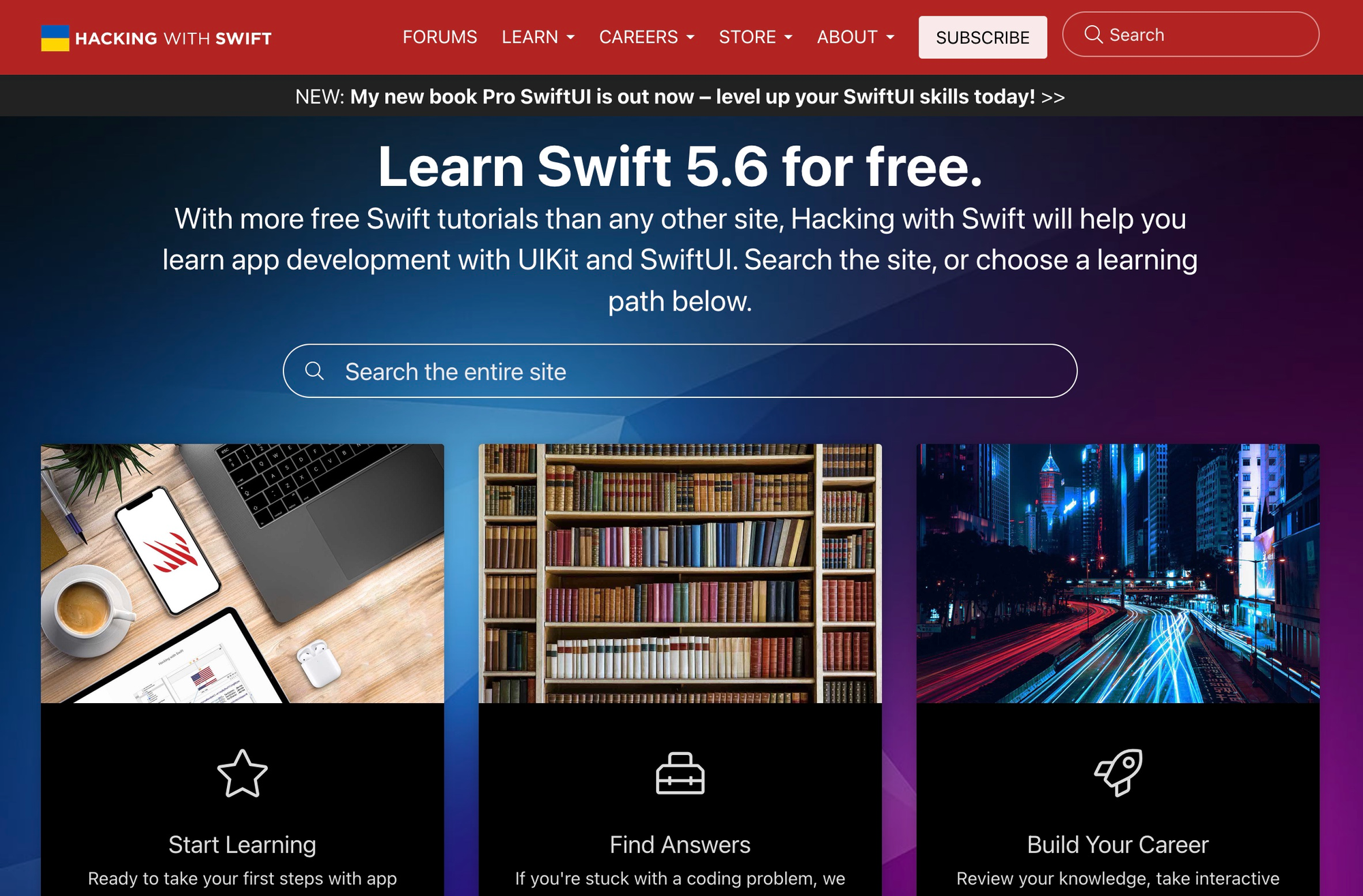
Hacking with Swift & 100 Days of SwiftUI
A legendary website filled with an astounding amount of information regarding modern iOS development. From quick tips and tricks to expansive tutorials, forums, and deep-dive courses, this website is curated by PAUL HUDSON, a highly renowned iOS developer educator known globally for his crystal-clear, easy-to-follow teaching style. It is arguably the single best third-party resource for learning Swift and SwiftUI today.
One of the standout offerings here is the absolutely free 100 Days of SwiftUI curriculum. It provides a structured, day-by-day learning path combining short lessons, coding challenges, and real project building. If you thrive on structured daily progress and accountability, this is the undisputed best place to start your journey.
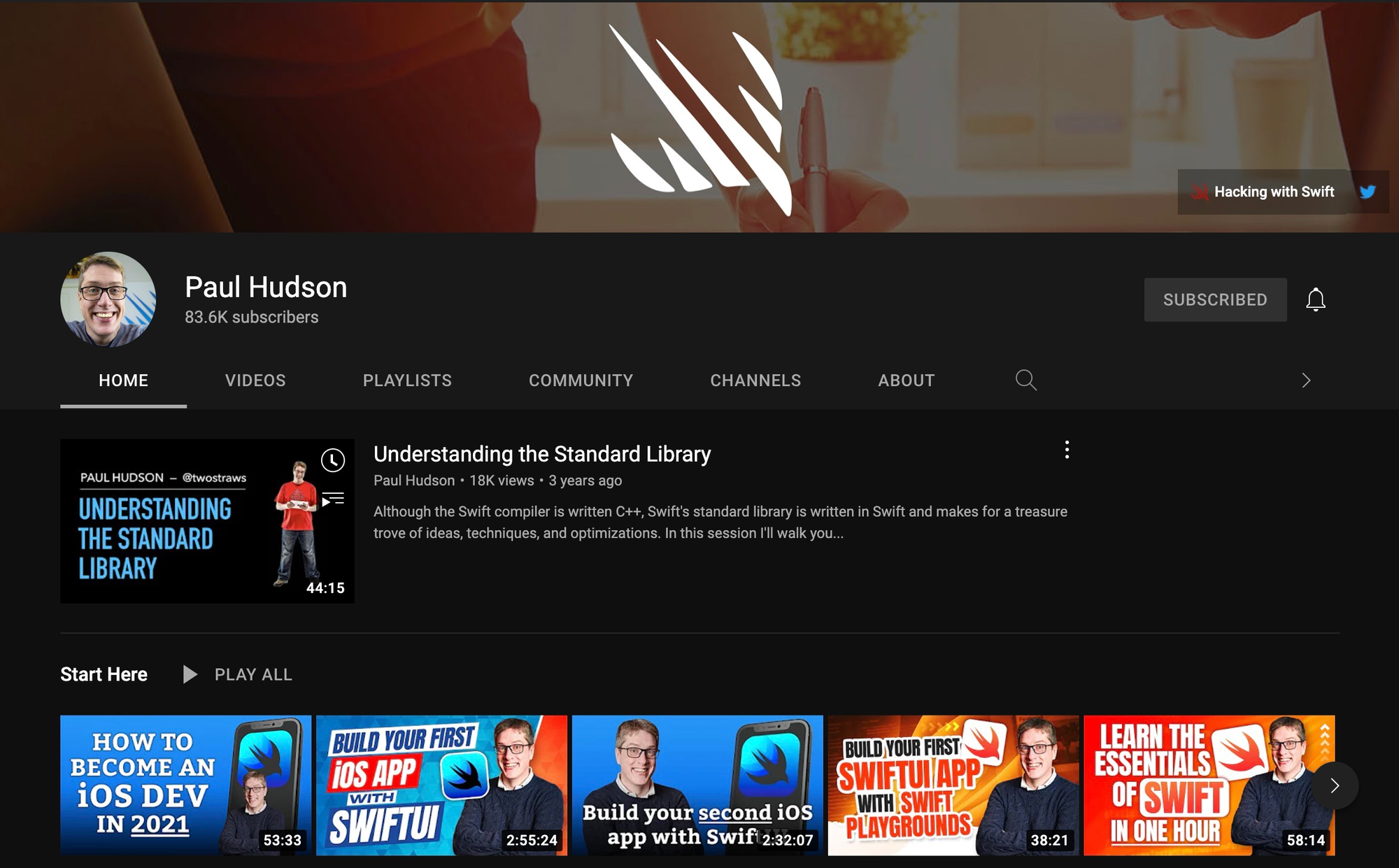
Paul Hudson's YouTube Channel
Continuing from the previous point, Paul Hudson also runs a wildly successful YouTube channel featuring live stream coding sessions, Swift news recaps, and bite-sized tips and tricks covering the Swift Programming Language and SwiftUI.
Based on personal experience, one of the fastest ways to grasp complex programmatic behavior — especially around state management, asynchronous code, or animations — is by watching video tutorials where you can observe real-time compilation and error debugging in action.
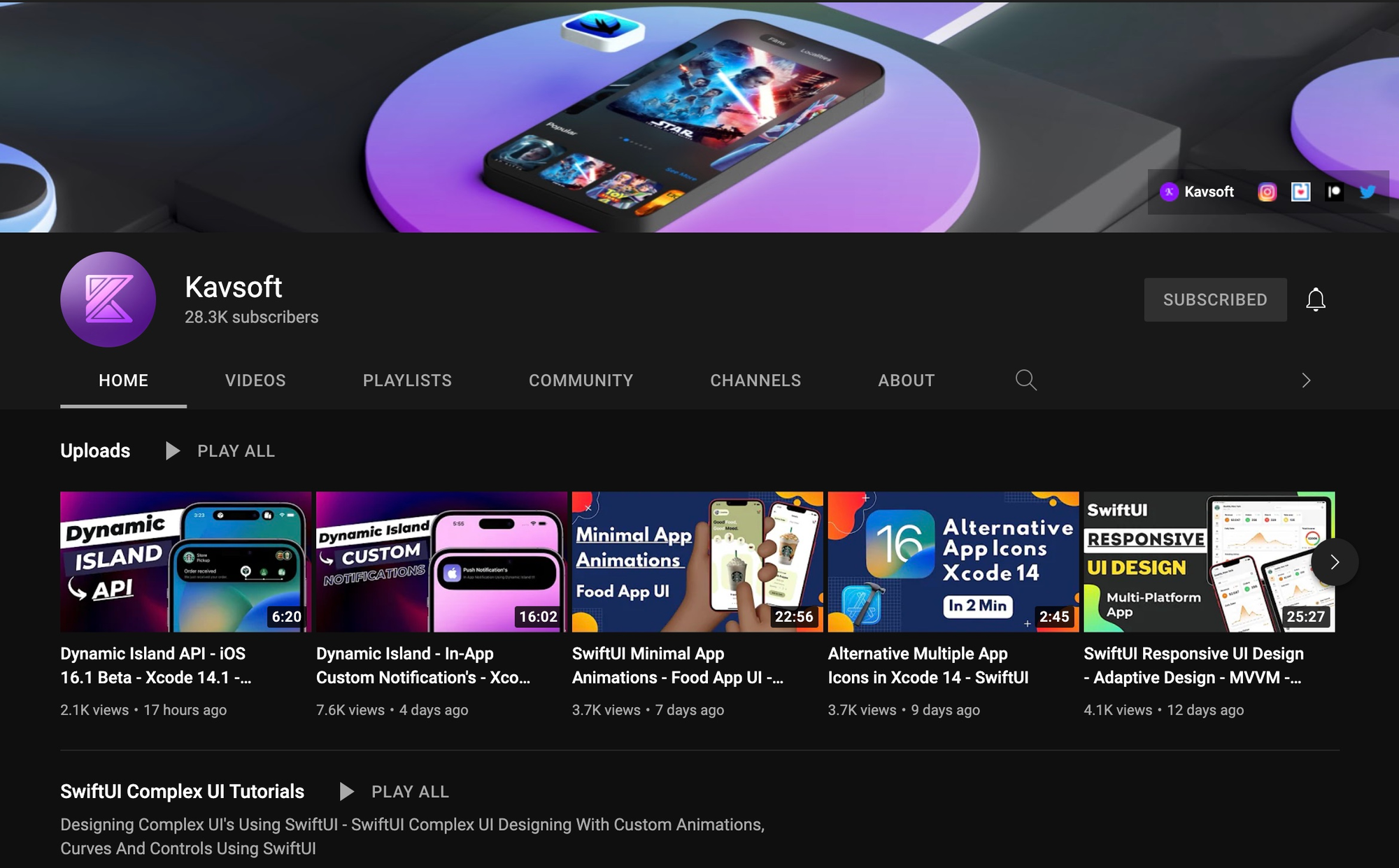
Kavsoft YouTube Channel
In addition to Paul Hudson's channel, another highly recommended YouTube channel for visual learners is Kavsoft. This channel serves a slightly different — but equally important — purpose. Kavsoft predominantly focuses on creating complex, beautiful, and highly customized application layouts using purely SwiftUI.
If you ever see a gorgeous Dribbble or Figma UI mockup and wonder, "How do I actually build this in SwiftUI?", Kavsoft likely has a tutorial for it. You will learn about advanced techniques like GeometryReader, custom matched-geometry transitions, and masterful ZStack layering.
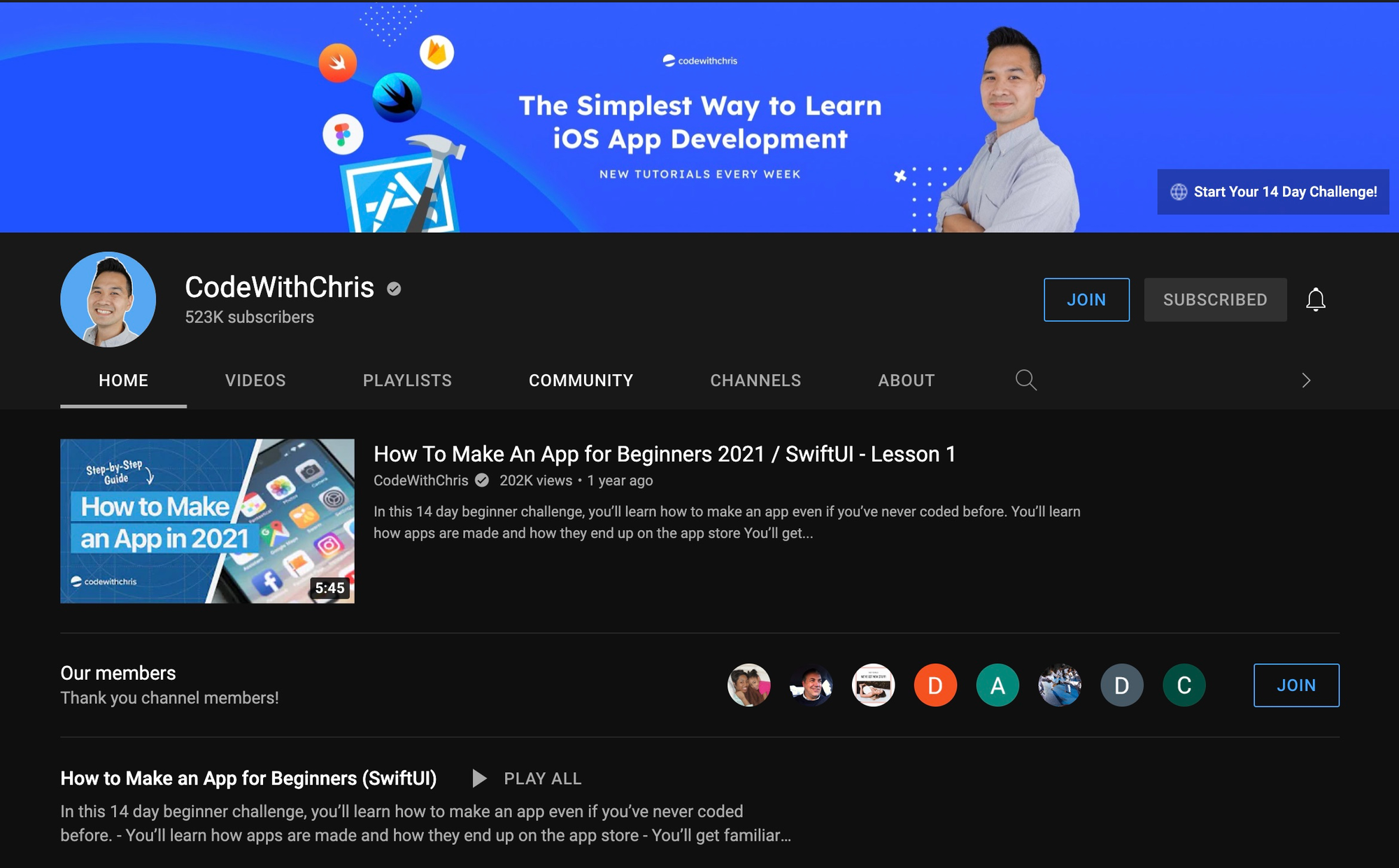
CodeWithChris Youtube Channel
If you are an absolute beginner with zero prior programming experience, CodeWithChris might be your strongest starting point. Chris is exceptionally gifted at explaining computing concepts to complete novices without relying on heavy developer jargon, making even the most abstract concepts feel approachable.
On this channel, you can delve into foundational topics progressively: starting from getting familiar with the Xcode IDE, moving toward basic Swift syntax, exploring SwiftUI layouts, and ultimately learning how to correctly sign and submit an app to the App Store for the first time.
DesignCode
Last but certainly not least is DesignCode, largely driven by Meng To. For those coming from a design background (UI/UX) who are transitioning into frontend Swift development, this resource bridges the gap perfectly. Their courses place a high bar on visual quality and teach you to create premium, fluid, interactive iOS app interfaces that look and feel truly professional.
Conclusion
In conclusion, these represent some of the most reliable and highly recommended references for beginners and intermediate developers striving to master the Swift and SwiftUI ecosystem. Don't try to consume everything at once — that is a recipe for discouragement.
The best strategy is to pick one structurally sound learning path (like 100 Days of SwiftUI) and supplement it with Apple's official documentation and specific YouTube tutorials when you encounter unfamiliar concepts or get stuck. Consistency beats intensity every time.
Happy reading, happy coding, and may this curated guide ease your iOS development journey!